In AWS S3, you might want to provide the access to selected users to selected buckets. To provide the specific permissions you need to add a custom policy in IAM.
Let’s learn,
How to give permission to specific users to specific bucket?
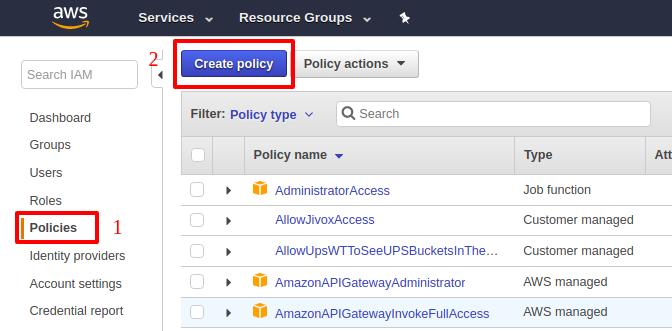
After bucket creation in S3, Navigate to IAM management console and click on “Policies > Create Policy > then select “Create Your Own Policy"
Fill the Policy Name and Description
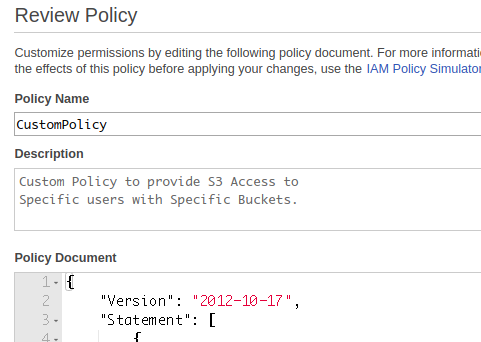
Fill below JSON to the Policy Document
{
    "Version": "2012-10-17",
    "Statement": [
        {
            "Effect": "Allow",
            "Action": "s3:ListAllMyBuckets",
            "Resource": "arn:aws:s3:::*"
        },
        {
            "Effect": "Allow",
            "Action": [
                "s3:*"
            ],
            "Resource": [
                "arn:aws:s3:::your-bucket-name",
                "arn:aws:s3:::your-bucket-name/*"
            ]
        }
    ]
}
In the above document, you can see that I have given access to list all the buckets – this is necessary, however I have given the full access on “your-bucket-name“.
After this, click on the “Validate Policy“. After successful validation click on “Create Policy“. After successful creation of Policy, attach the policy to specific users.
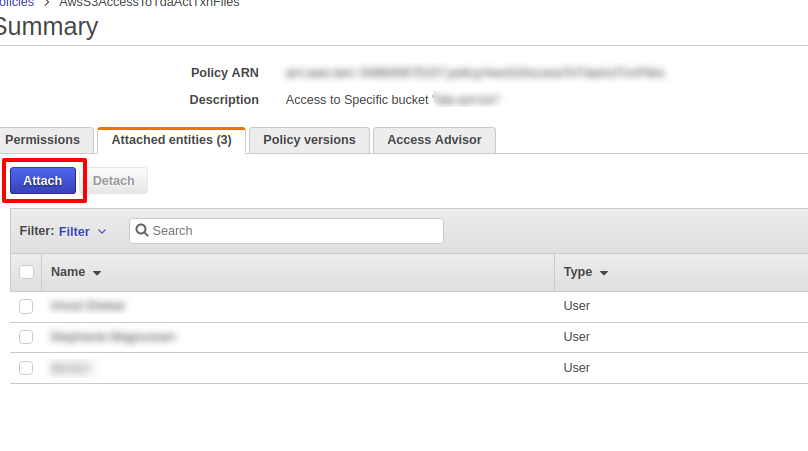
This is how you can grant access of S3 bucket to specific users.